AI Background Generator
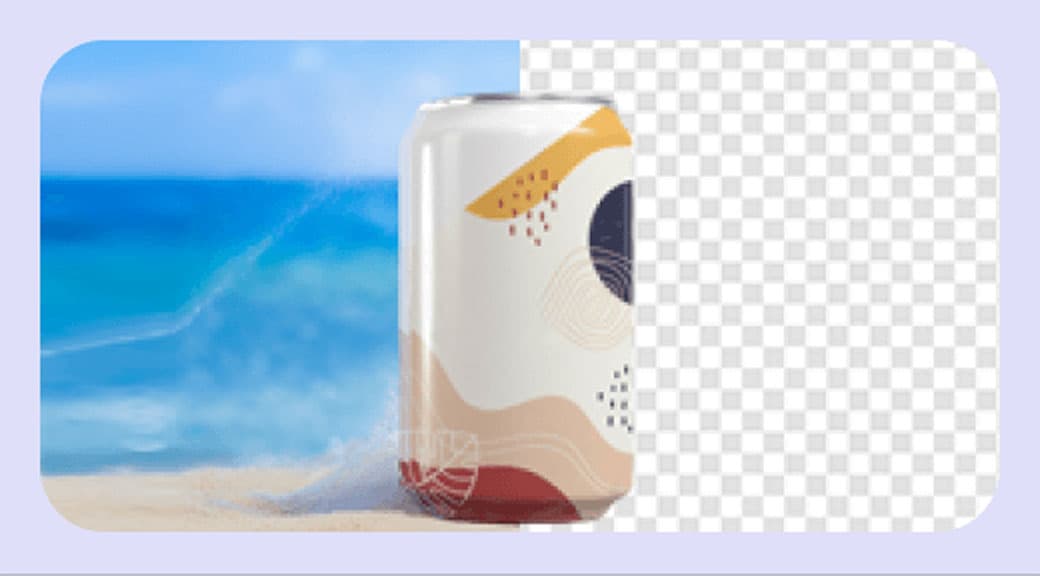
Generate realistic AI backgrounds for product photos in seconds. Choose a scene style and let AI place your subject into studio, outdoor, or lifestyle settings.
Features
Studio-quality scenes without a studio
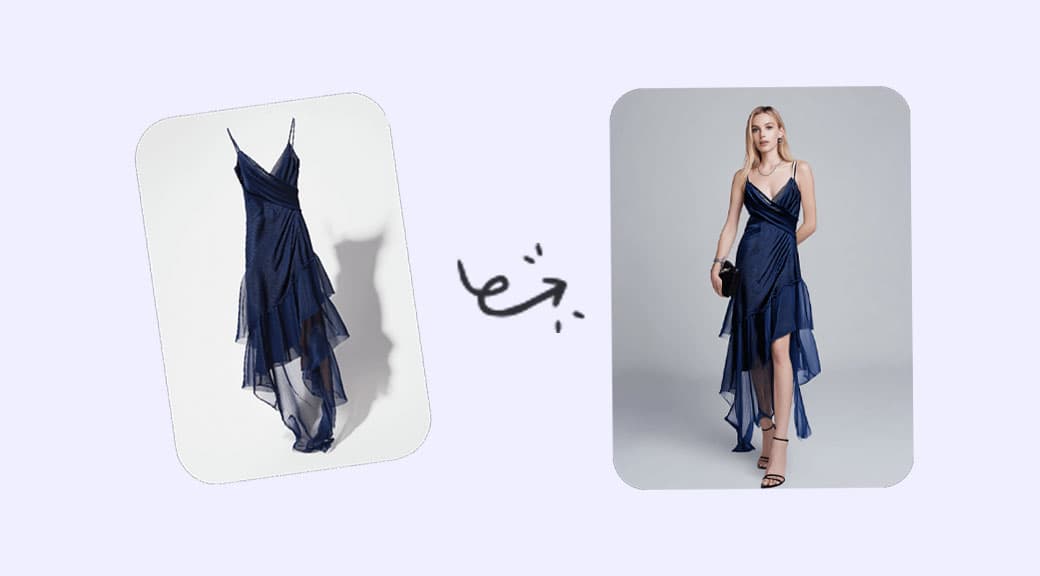
Generate realistic lighting, shadows, and reflections that make products look professionally photographed.
Multiple scene styles
Choose from studio lighting, office, outdoor nature, abstract art, gradient, and minimalist presets to match your brand aesthetic.
Automatic subject detection
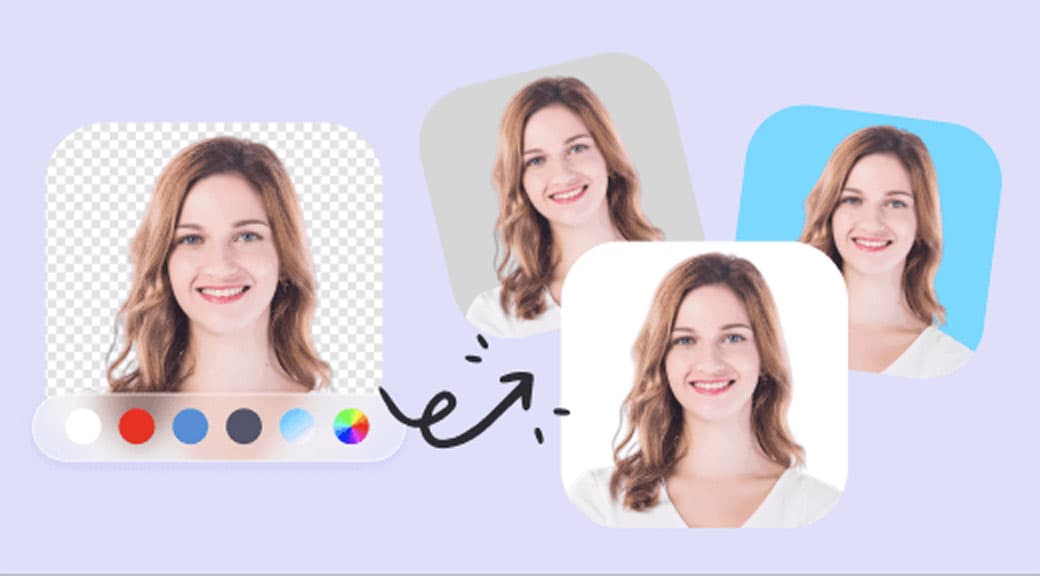
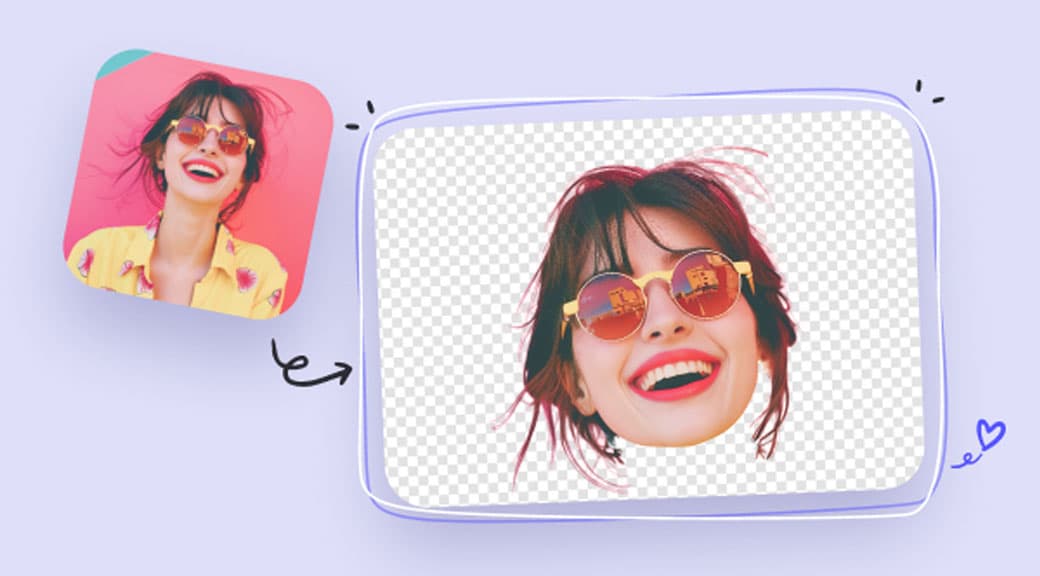
AI removes the existing background and places your product into the new scene with natural blending and perspective.
Consistent catalog visuals
Apply the same scene style across your entire product line for a uniform storefront look without re-shooting.
Faster than traditional shoots
Skip location scouting, props, and lighting setup. Generate dozens of variations in the time it takes to arrange one physical shot.
Credit-based flexibility
Each generation costs a fixed number of credits. No subscription to a separate stock photo service needed.
How It Works
- 1
Step 1
Upload a product photo
Drop your product image into the editor. The AI works best with clear subjects on any background.
- 2
Step 2
Choose a scene style
Select from preset environments like studio light, nature, gradient, or minimalist. Each preset adjusts lighting and mood.
- 3
Step 3
AI generates the backdrop
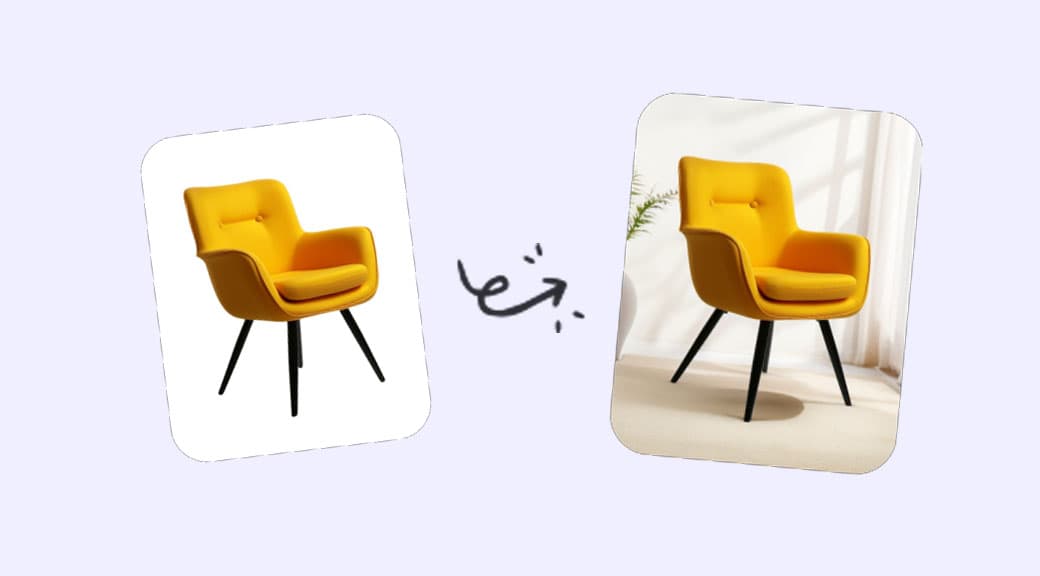
The model removes the old background and renders a new scene around your product with matched lighting and natural shadows.
- 4
Step 4
Download and use
Save the final composite in high resolution. Use it in marketplace listings, ads, landing pages, and social media.
Use Cases
Ecommerce product listings
Create lifestyle and studio shots for every SKU without booking a photographer or renting a studio space.
Marketing campaigns
Generate seasonal or themed backgrounds to refresh product visuals for promotions, holidays, and launches.
Social media ads
Produce scroll-stopping product visuals with eye-catching scenes tuned for each platform.
A/B testing creatives
Quickly generate multiple scene variations to test which background drives the highest click-through rate.
Furniture and interior design
Place furniture into styled room scenes to help customers visualize products in real-world settings.