AI Face Cutout
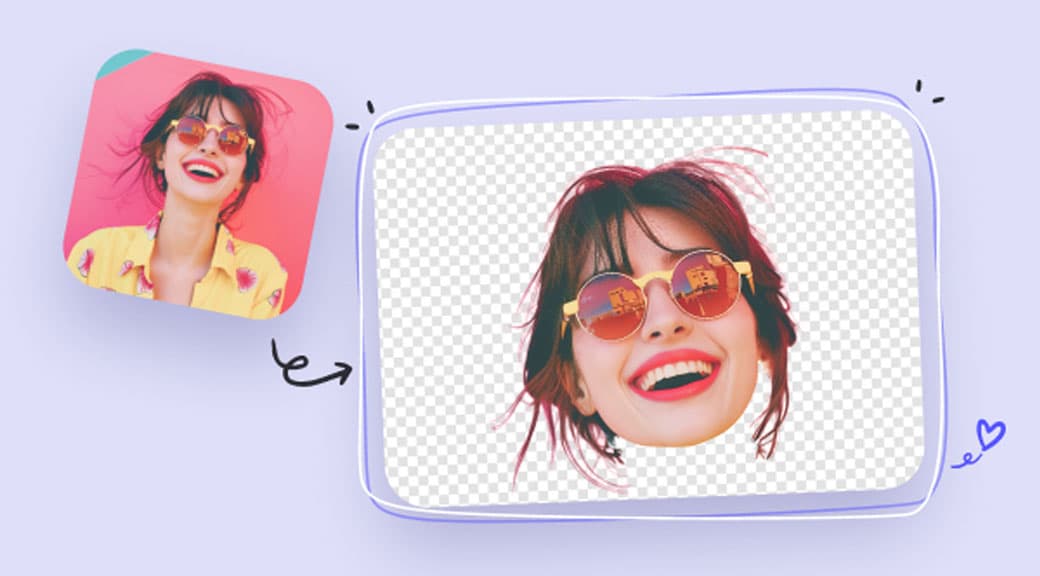
Precisely detect and extract faces from photos with clean, natural edges. Perfect for profile pictures, avatars, team pages, and creative composites.
Features
Precise face detection
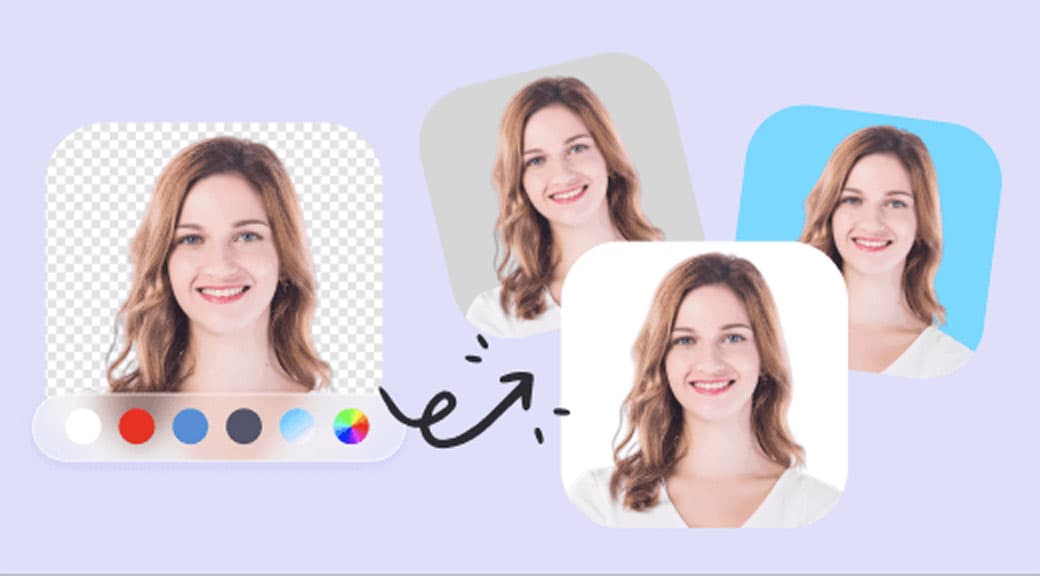
AI identifies the face and head boundary with pixel-level accuracy, including hair, ears, and jawline contours.
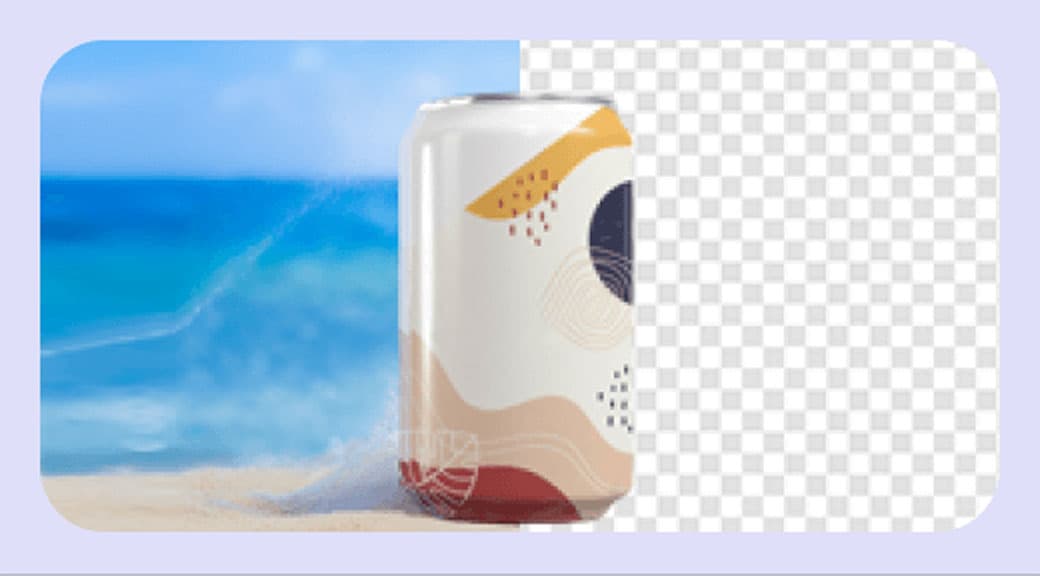
Clean transparent output
Get a high-quality cutout with natural edges — no jagged outlines or leftover background pixels.
Perfect for team pages
Create uniform circular or square headshots for company websites, LinkedIn, and organizational charts.
Avatar and profile ready
Extract a face for use in app avatars, gaming profiles, social media thumbnails, and messaging platforms.
Works with group photos
The AI can detect and isolate individual faces from group shots, saving you manual cropping work.
Chain with other tools
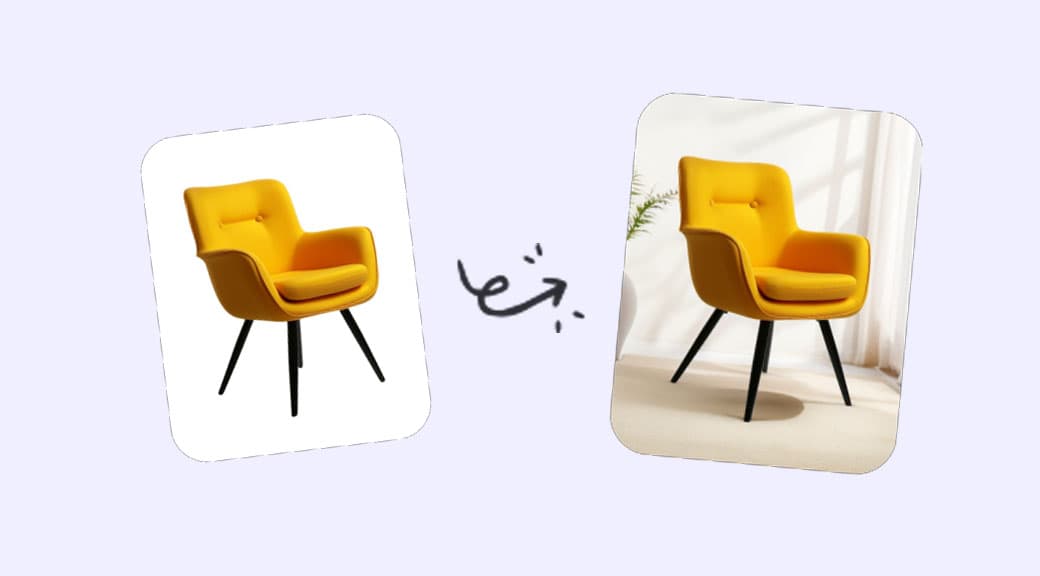
Follow up with Photo Enhancer to upscale the cutout or Background Generator to place the face in a new scene.
How It Works
- 1
Step 1
Upload a portrait or group photo
Drop any photo containing one or more visible faces into the editor.
- 2
Step 2
AI detects faces
The model locates all faces in the image and isolates the primary subject with precise boundary detection.
- 3
Step 3
Review the cutout
Check the transparent result to ensure natural edges around hair, jaw, and shoulders.
- 4
Step 4
Download and use
Save the face cutout as a transparent PNG for profiles, avatars, composites, or further editing.
Use Cases
Team and about pages
Generate consistent headshot cutouts for company websites and marketing materials.
Social media profiles
Create clean profile pictures for LinkedIn, Twitter, Instagram, and other platforms.
App and game avatars
Extract real faces for personalized avatars in apps, games, and messaging platforms.
Photo composites
Isolate faces for creative montages, collages, and marketing visuals.
Event photography
Quickly extract individual faces from group event photos for personalized prints or gifts.