AI Photo Retouch
Erase unwanted objects, blemishes, and distractions from any photo. Paint over what you want gone and AI fills the area seamlessly.
Features
Paint-and-erase simplicity
Brush over the unwanted area and AI intelligently fills it with matching textures and colors from the surrounding region.
Remove any unwanted element
People, signs, power lines, blemishes, dust spots, logos — if you can paint over it, the AI can remove it.
Clean results with no blur
Generative fill technology reconstructs the background behind removed objects so the edit looks natural, not smudged.
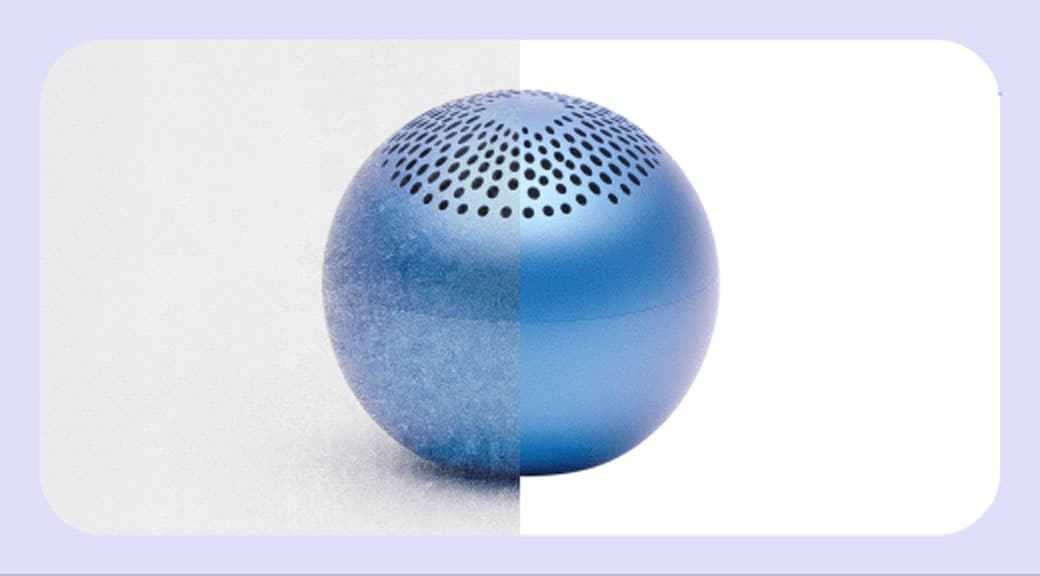
Perfect for product photos
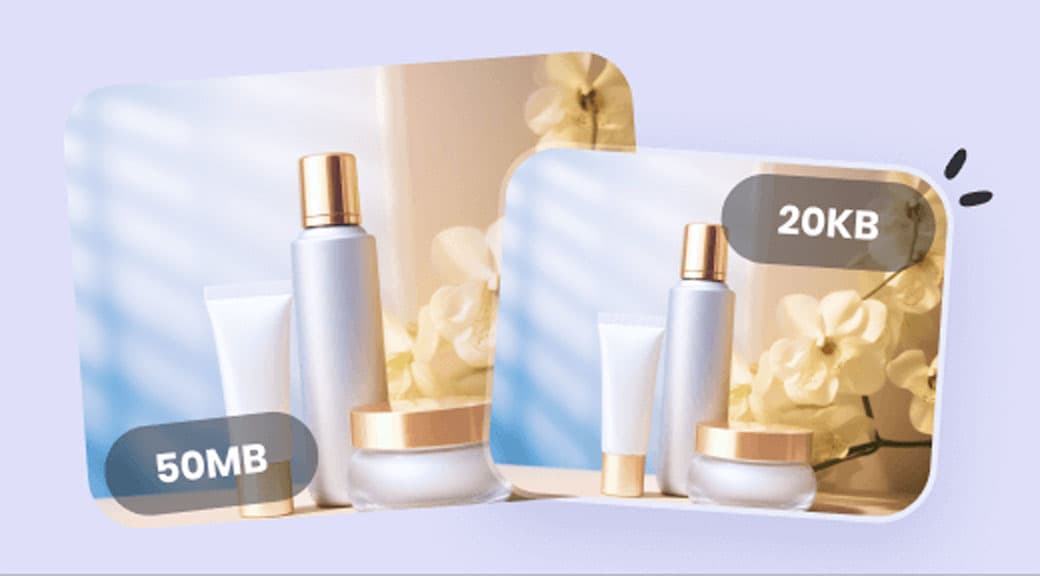
Clean up dust, scratches, and stray threads on product images before publishing to your store.
Save hours of Photoshop work
What takes clone-stamp skill and patience in Photoshop happens automatically with a single brush stroke here.
Combine with other tools
Retouch before background removal or enhancement. The all-in-one dashboard lets you chain edits without re-uploading.
How It Works
- 1
Step 1
Upload your photo
Drop a JPG, PNG, or WEBP image into the editor. Works with any photo type.
- 2
Step 2
Paint over unwanted areas
Use the brush tool to highlight objects, blemishes, or text you want removed. Adjust brush size for precision.
- 3
Step 3
AI fills the area
The model analyzes surrounding pixels and reconstructs a natural-looking fill where the object was.
- 4
Step 4
Download the clean image
Save the retouched photo in full resolution. No watermarks, no quality loss.
Use Cases
Product photo cleanup
Remove dust, scratches, label residue, and background clutter from product images before listing.
Travel photography
Erase photobombers, tourists, and signs from scenic travel shots for a cleaner composition.
Real estate photography
Remove personal items, cords, and distracting objects from interior photos to present clean spaces.
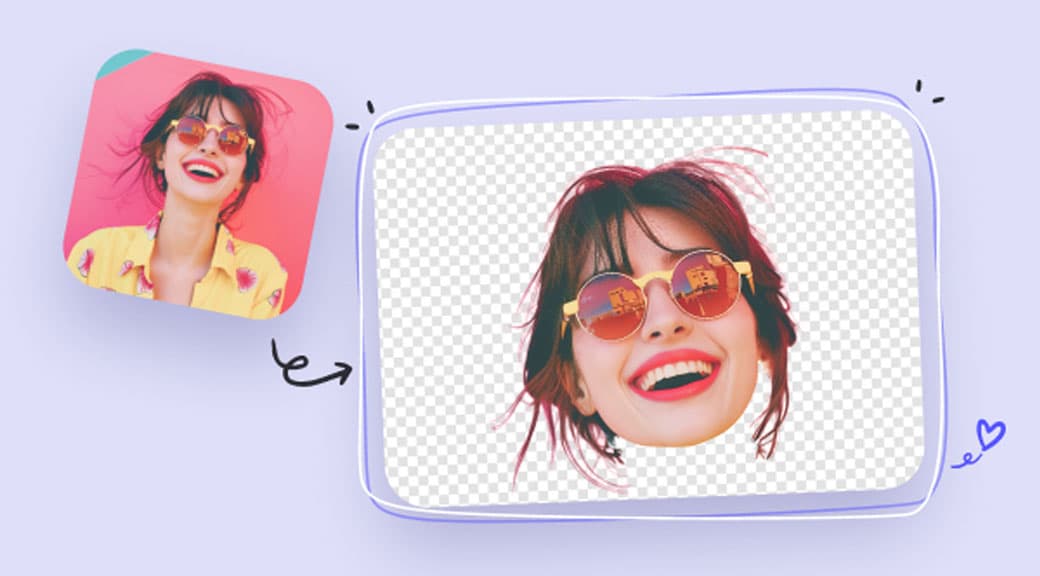
Portrait retouching
Clean up skin blemishes, stray hairs, and background distractions in headshots and portraits.
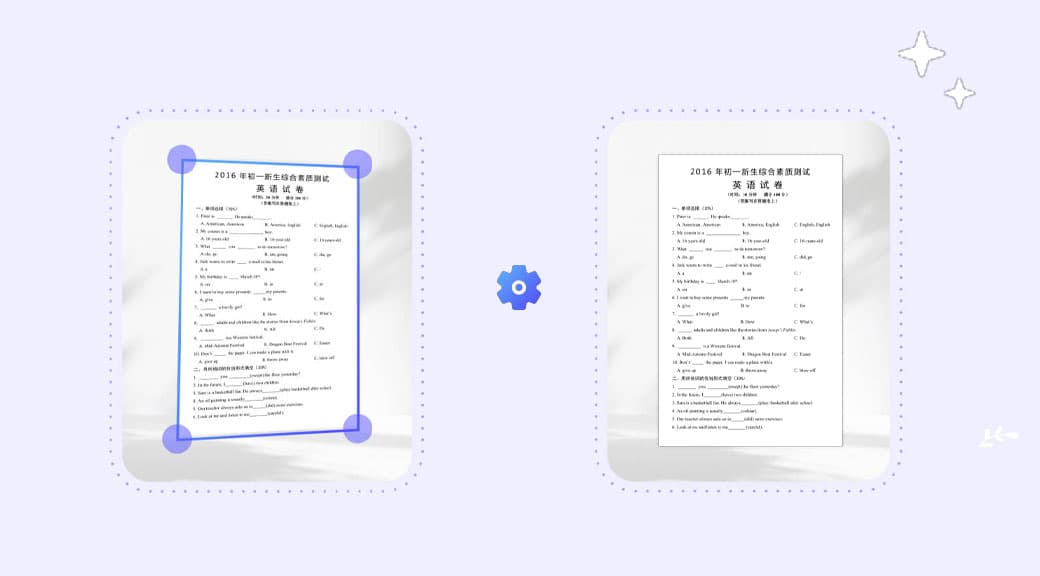
Document and scan cleanup
Remove stamps, stains, and marks from scanned documents and old prints.