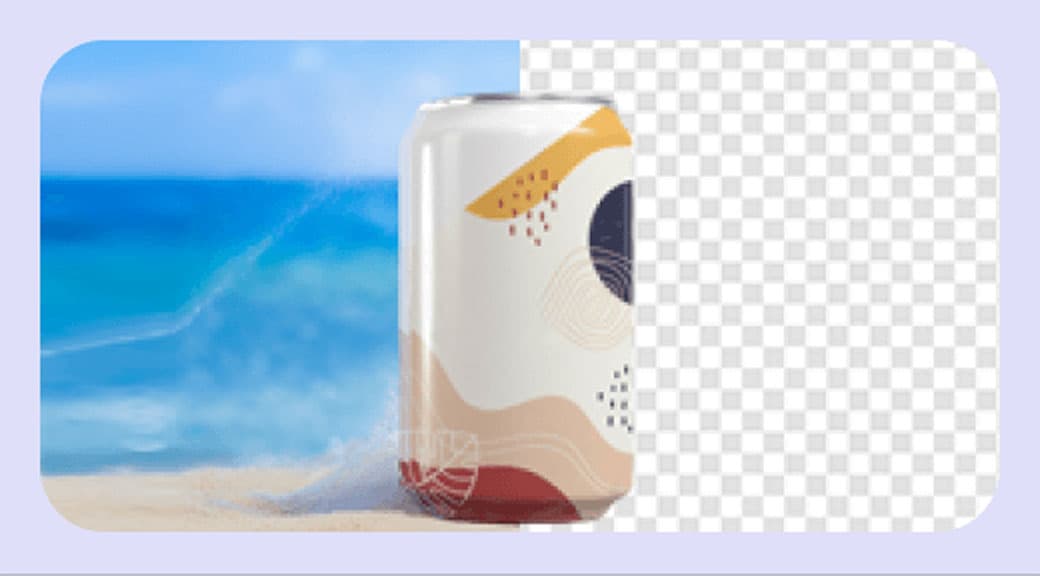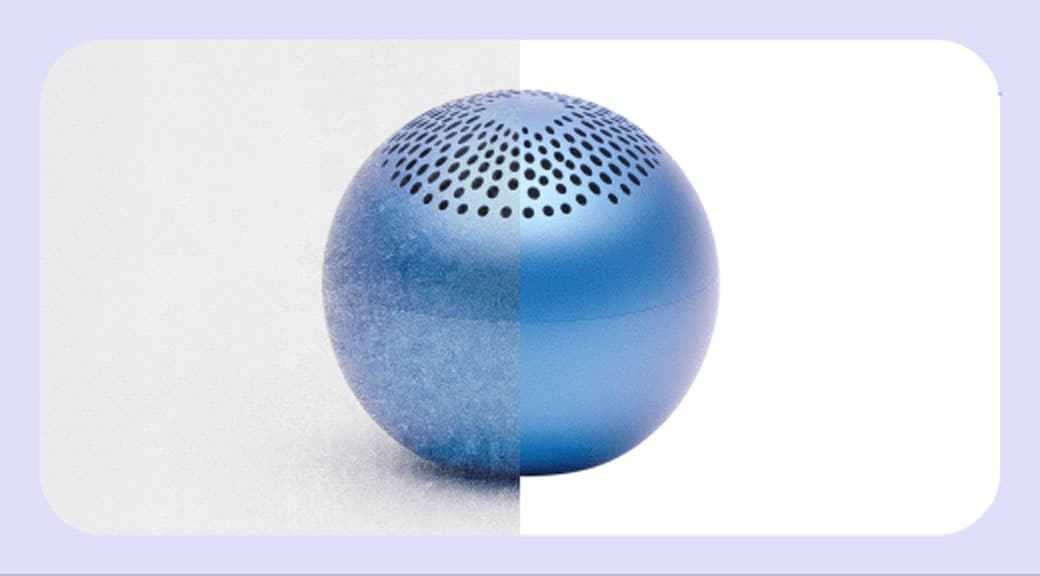
Smart Crop & Enhance
Automatically detect document boundaries, straighten skewed pages, and enhance readability. Turn phone photos of paper into clean, scannerlike results.
Features
Auto edge detection
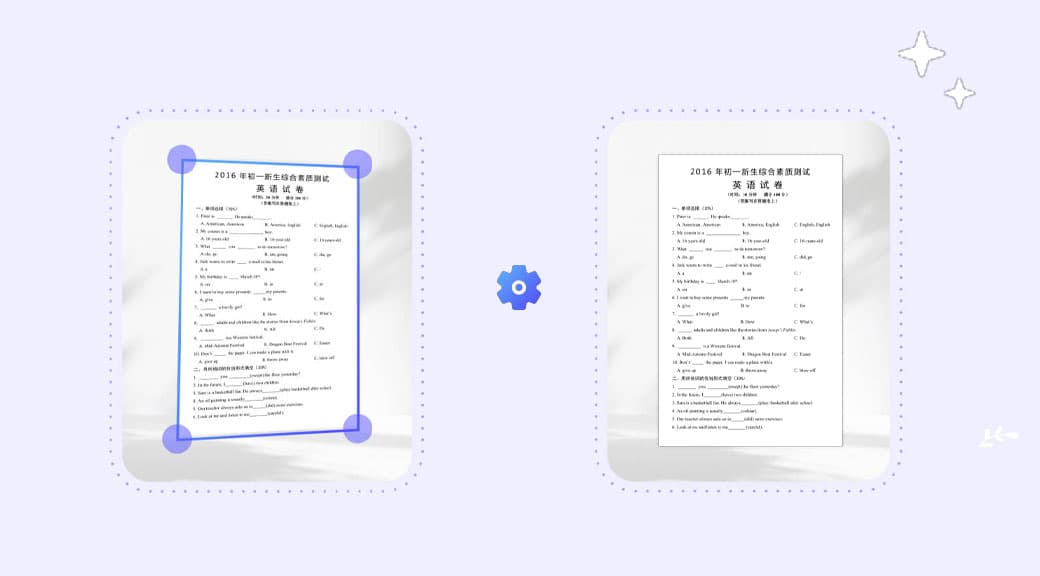
AI finds the document boundary in the photo — even on cluttered desks — and crops precisely to the page edges.
Perspective correction
Tilted or angled shots are straightened automatically so the output looks like a flat scanner result.
Readability enhancement
Text and diagrams are sharpened, contrast is boosted, and shadows are reduced for a clean, legible output.
Works with any paper
Letters, receipts, whiteboards, books, ID cards, and handwritten notes are all detected and processed.
Faster than a flatbed scanner
Snap a photo with your phone and get a scannerlike result in seconds — no hardware needed.
Chain with OCR
Crop and enhance first, then run Image to Text to extract the content into editable text or a spreadsheet.
How It Works
- 1
Step 1
Upload a document photo
Drop a phone photo of a document, receipt, whiteboard, or book page into the editor.
- 2
Step 2
AI detects edges
The model identifies the paper boundary, straightens the perspective, and crops to the document area.
- 3
Step 3
Enhancement is applied
Text is sharpened, shadows removed, and contrast balanced for a clean, readable result.
- 4
Step 4
Download the result
Save the cropped and enhanced image for archiving, sharing, or further OCR processing.
Use Cases
Mobile document scanning
Replace a flatbed scanner — snap documents with your phone and get clean digital copies.
Receipt and invoice capture
Photograph receipts on the go and crop them into neat, readable images for expense reports.
Whiteboard capture
Turn photos of meeting whiteboards into sharp, legible images you can share with the team.
Book and article scanning
Photograph book pages and straighten them into flat, readable images for study or archiving.
ID and card scanning
Crop and enhance photos of ID cards, business cards, and certificates for digital records.