Image to Text (OCR)
Extract text from images, photos, and scanned documents with AI-powered optical character recognition. Export results as TXT, DOCX, PDF, or XLSX.
Features
High accuracy recognition
AI reads printed and handwritten text with over 98% accuracy across clean and moderately complex layouts.
Multiple export formats
Get results as plain text, Word documents, PDF files, or Excel spreadsheets — ready for your workflow.
Multilingual support
Recognizes text in 25+ languages including English, Chinese, Japanese, Korean, Arabic, and European languages.
Preserve document structure
Tables, columns, and paragraphs are detected and maintained in the exported output.
Digitize paper records
Convert printed invoices, receipts, business cards, and handwritten notes into searchable digital text.
Secure processing
Uploaded images are processed and deleted. Your document content is not stored or shared.
How It Works
- 1
Step 1
Upload an image or scan
Drop a JPG, PNG, or WEBP containing text into the editor. Works with photos, screenshots, and scans.
- 2
Step 2
Select output format
Choose TXT for plain text, DOCX for Word, PDF for documents, or XLSX for tabular data.
- 3
Step 3
AI extracts the text
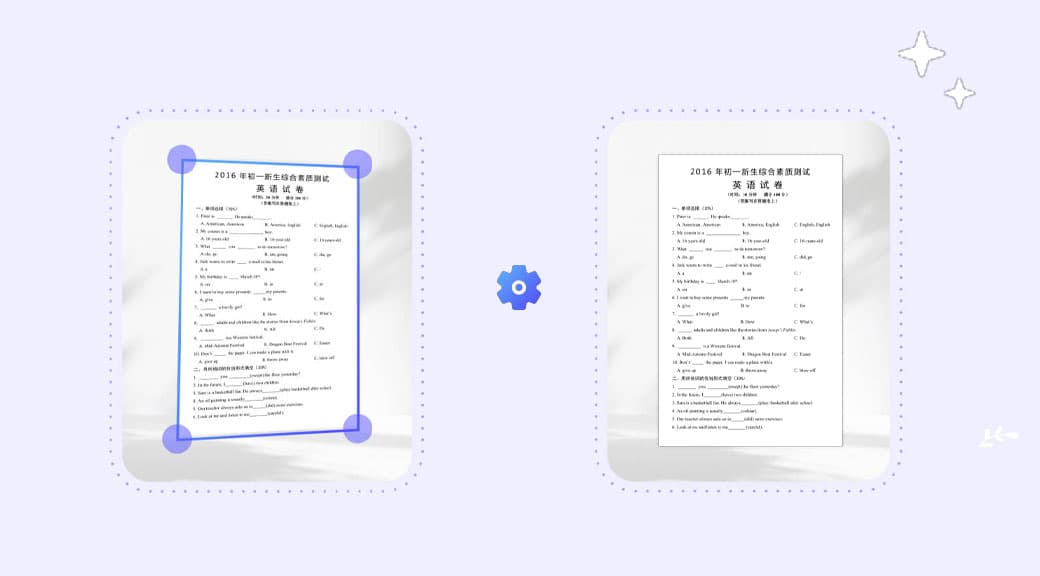
The OCR engine reads all text in the image, preserving layout and structure where possible.
- 4
Step 4
Download or copy
Copy the text to clipboard or download the file in your chosen format.
Use Cases
Invoice and receipt digitization
Extract line items, totals, and vendor info from paper invoices for accounting software.
Business card scanning
Convert contact information from business cards into editable text for your CRM.
Academic research
Digitize printed journal articles, book pages, and handwritten notes for searchable archives.
Data entry automation
Extract tabular data from images into spreadsheets, eliminating manual data entry.
Content repurposing
Pull text from infographics, presentations, and screenshots for editing and reuse.